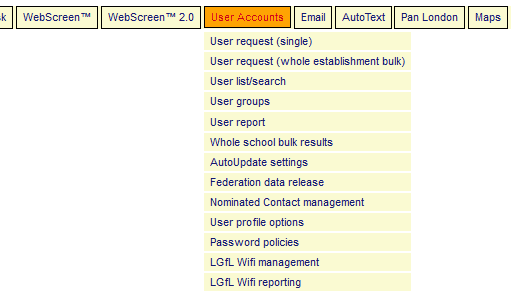
Clicking on the User Accounts link will take you to the following page, presenting you with a list of links to the different functions.
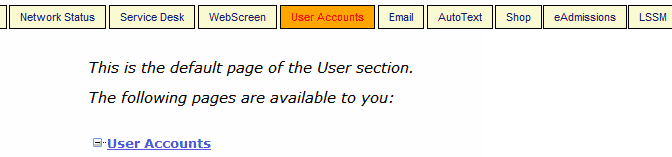
- User request (single) Request the creation of individual users
- User request (whole establishment bulk) Enter multiple users into the spreadsheet provided.
- User list/search Find users and view or edit their details
- Whole school bulk results Schools exporting data can find and resolve unmatched accounts
- AutoUpdate settings Used to monitor data exports
- Nominated Contact management
- User profile options
- LGfL Wifi management Visible in schools running an LGfL wireless network
- LGfL Wifi reporting Visible in schools running an LGfL wireless network
Select the function you require by clicking on its name.
Alternatively, hover your mouse over the User Accounts link on the support site. A dropdown menu will appear. You can then select the required option directly. As your mouse passes over each option, a small pop-up providing further information on that link appears briefly and then disappears automatically (shown below).