Making Notes on a User Account
To make a note an a user account click on the Notes tab.
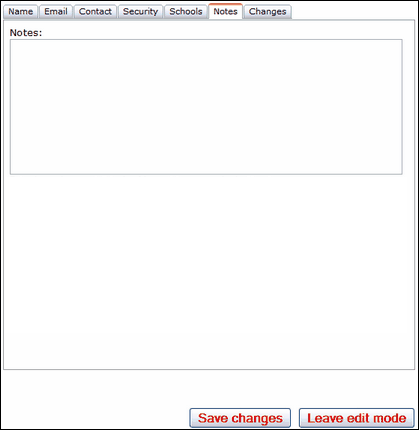
You can enter any comments into the top Notes field. These will be visible to everyone who has the access to view user account details.
Click on Save changes when done. You can Leave edit mode or click on another tab to continue.
See next:
Changing a user profile - adding or removing permissions
See also:
