Viewing a Summary of the Changes
To see a list of the editing actions that have been performed, click on the Changes tab.
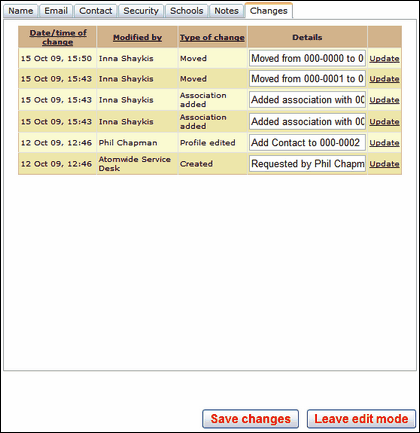
Please be aware that you will only be able to update details of the changes you have made yourself.
Click on Save changes when done. You can Leave edit mode or click on another tab to return to a previous screen.
See next:
Changing a user profile - adding or removing permissions
See also:
