To see which staff members were transferred to your school from a previous school or have been associated with your school in addition to another school during the latest AutoUpdate select the option to List staff who were transferred as part of the process.
The results will display Transferred staff and Staff with new associations (if any) under separate headings. Either list can be exported to a spreadsheet if needed.
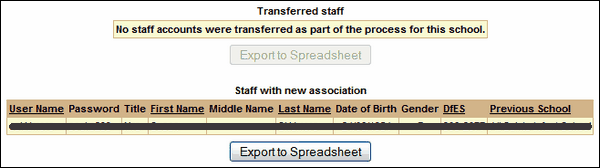
 Your ability to view staff passwords will depend on your user account type and your LA security policy.
See also:
List files that have been processed
List when a school last had a file processed
Email grace period configuration
List pupils that have not been matched
List pupils who were created as part of the process
List pupils who were transferred as part of the process
List pupils who were unallocated as part of the process
List staff that have not been matched
List staff who were created as part of the process
List staff who were unallocated as part of the process
