If you need to ask a question or make Wavenet Education aware of a problem with your services, you can Raise a Support Case by going to Service Desk then Raise an Issue.
 Only Nominated Contacts employed by the school or in a third party support company used by the school can raise an issue.
It is extremely important to identify the school(s) for which a support case is being raised. If you are associated with multiple schools and fail to select the correct school(s) or specify all schools, the Wavenet Education help desk staff will be unable to find the case if the school then contacts them directly.
Upon entering the Raise an Issue screen, you must first select the type of case you wish to raise. This can either be a support incident or a support request, please select the relevant option and then Next.
•Support Incident cases are raised when you wish to report a problem.
•Support Request cases are for if you need help or guidance.

you must select the topic and sub-topic of your query and click Next.
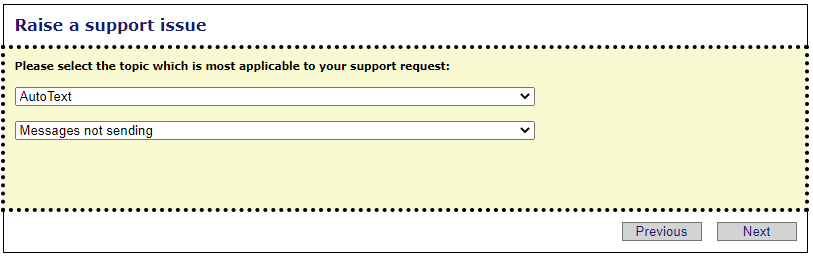
In this example, the topic "AutoText" has been selected and the sub-topic "Messages not sending"
You will then need to specify whether the issue affects one establishment or several.
Please note that Nominated Contacts will only be able to select the establishment(s) they are associated with.
See next:
Raise a support case for one establishment
