If you are a Nominated Contact at more than one establishment, you will be able to raise a support case on behalf of multiple establishments in a single support case.
You can add multiple schools individually, as described in this section, or you can add a group of schools.
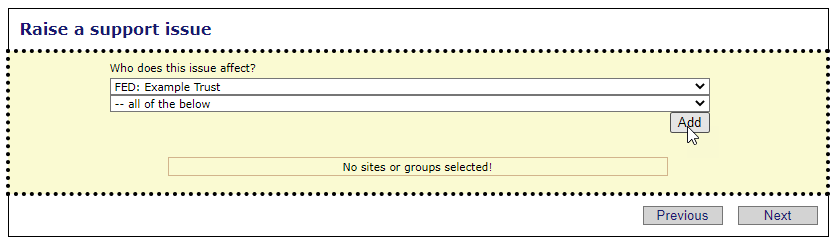
To add a group of establishment, first select the group you wish to raise the case on behalf of and then click on the Add button, ensuring that the second drop-down list says "all of the below".
You can check which establishments the case will be raised on behalf of by clicking on the drop-down list.
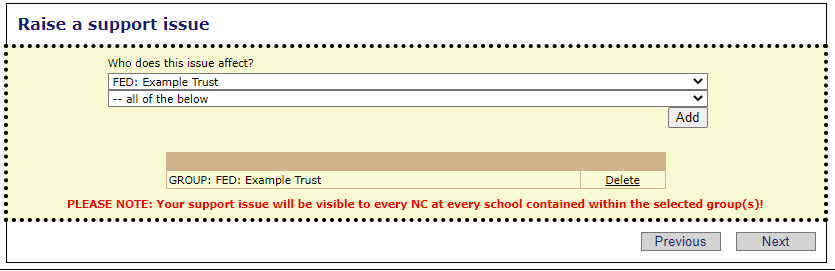
Once the group has been added you will see it below the drop-down lists, along with a warning message.
Click Next when done.
See next:
