If a support case concerns just one establishment, please first select a group the establishment is part of from the first drop-down list and then the establishment from the second drop-down list.
Once the establishment has been selected, please click the Add button.
The establishment will then be visible below these drop-down lists.
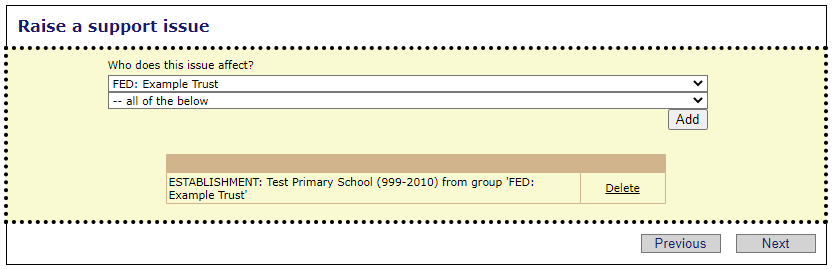
Once you are happy with the school selection, click Next to continue the process.
See next:
