The View Issues page under the Service Desk tab is accessible to Nominated Contacts only.
By default, this page displays all open support issues that are relevant to your school. These will include cases raised by you or by another Nominated Contact at your school. However, you will only receive email alerts regarding cases you have raised yourself.
If you are associated with more than one establishment, all cases relevant to all establishments will be displayed.
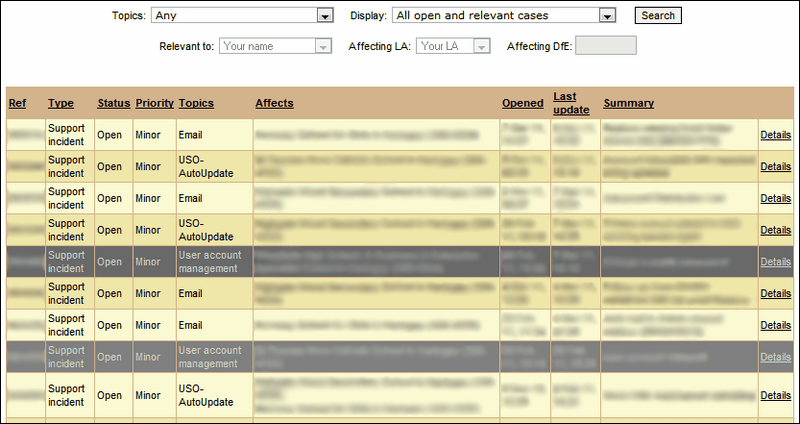
You will also be able to view previously raised cases by changing the options available via the Display dropdown menu.
Previous cases can be viewed by selecting Closed support issues only or All support issues (open and closed).
You can also view cases on a particular topic by selecting the desired topic from the dropdown menu. This can be done for open and closed cases.
For help on updating any ongoing support issues please see the FAQ page here.


