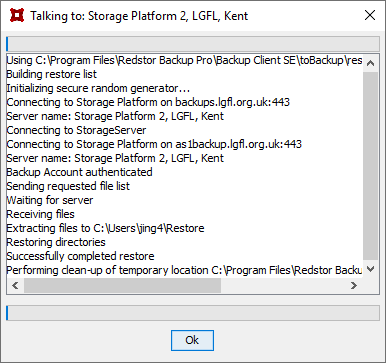
Performing a restore
To restore backed up files launch the Restor Backup Pro application.
Click the Restore tab in order to select the relevant files/folders.
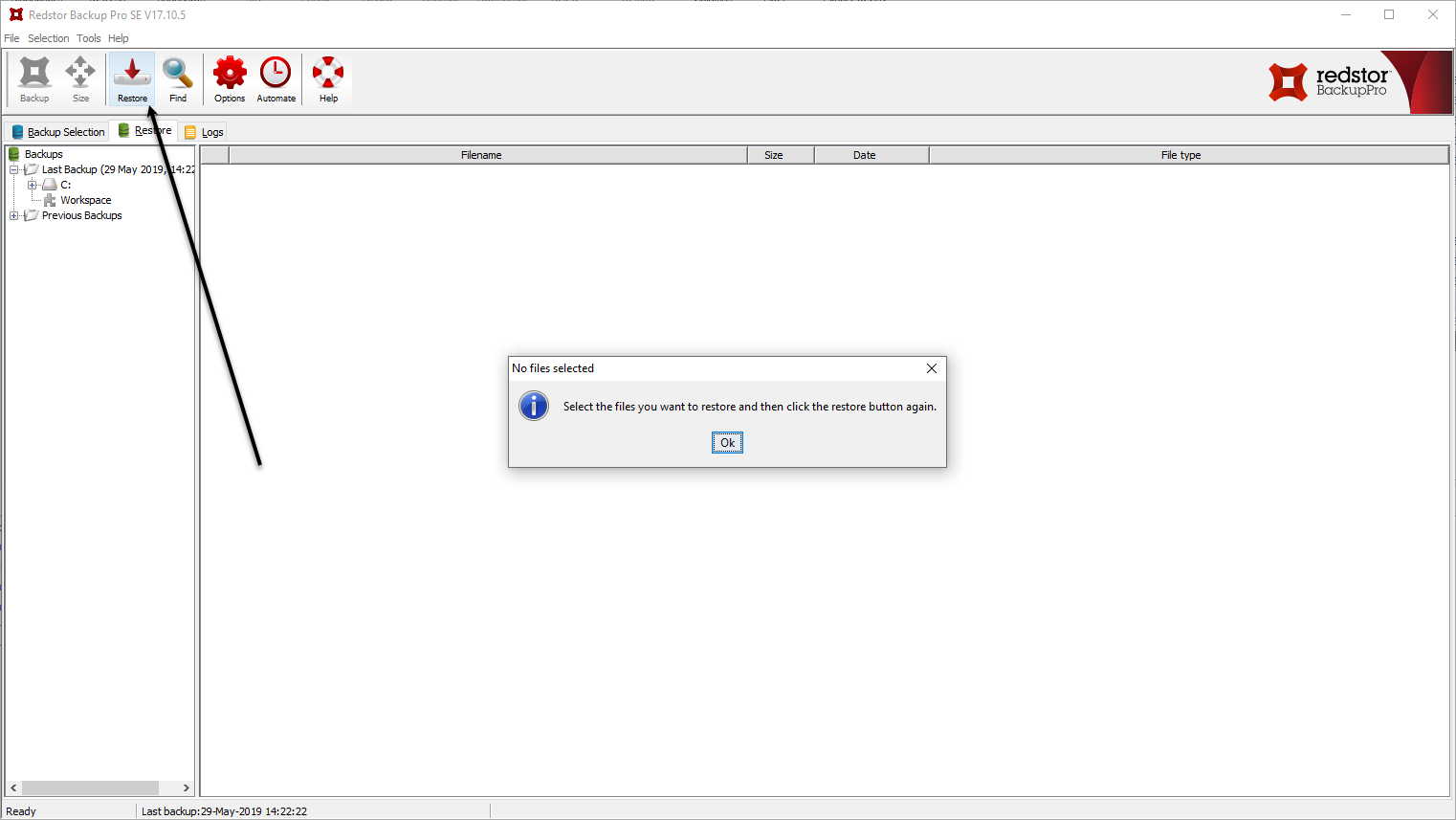
Select the folders you want to restore (right-click to include all folder contents) or click the individual radio buttons to select individual files.
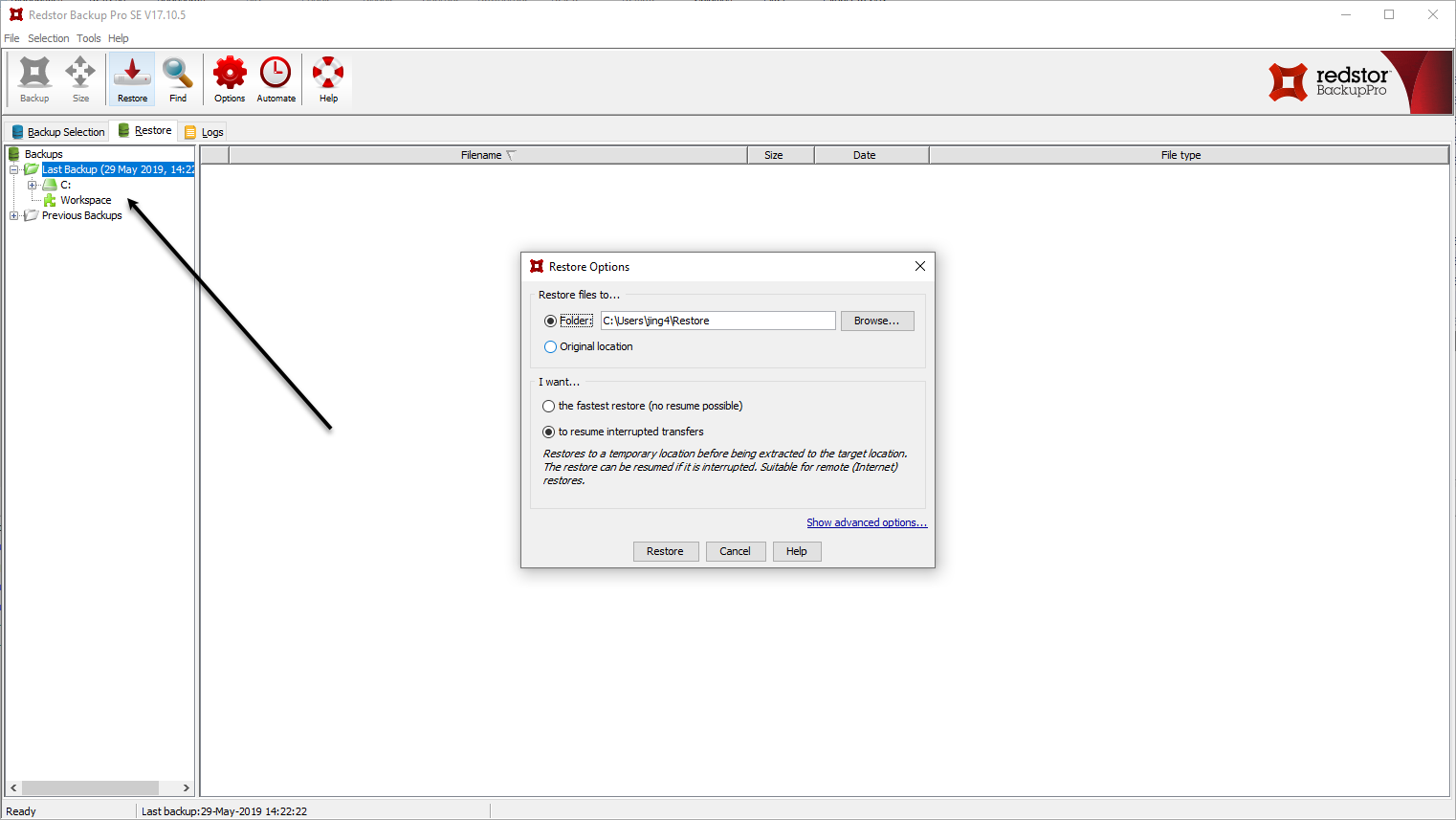
Click the Restore button and choose location to which you would like to save the restored files.
Either define a location for the restored files or select "original location" and click Restore.
A dialogue window will show the progress report.