To find out more regarding the GridStore remote backup service available with LGfL, please visit https://national.lgfl.net/smartbuy/disaster-recovery-dr
Installing Redstor
To install Restor (GridStore), a Nominated Contact can download the installation file from https://support.lgfl.org.uk/secure/resources/downloads.aspx Once downloaded, double-click the MSI file to begin the installation. The installation wizard will take you through the following screens. 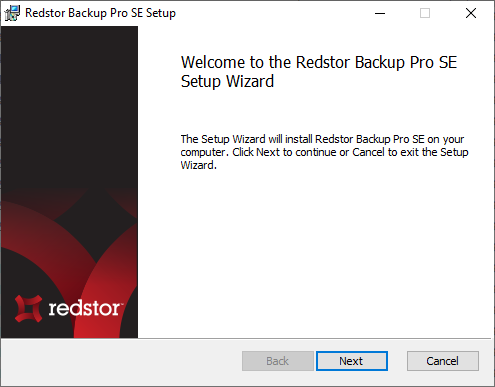 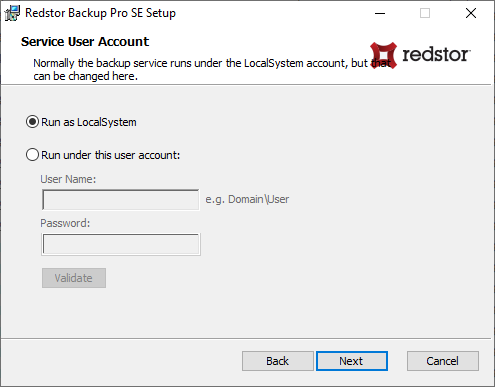 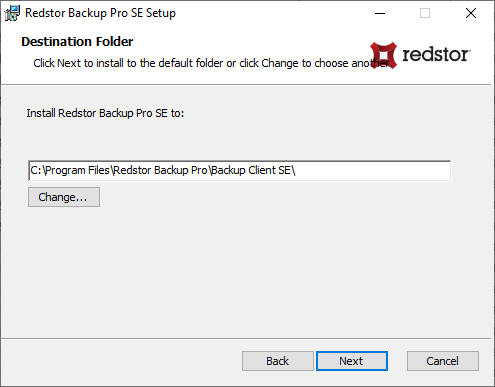 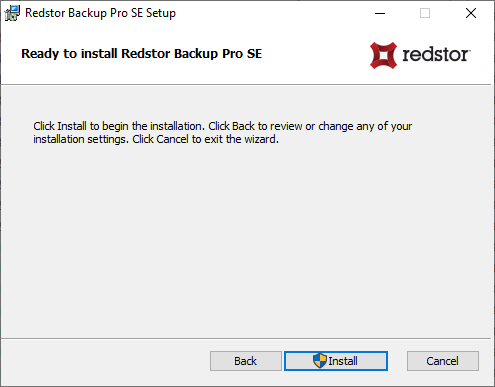 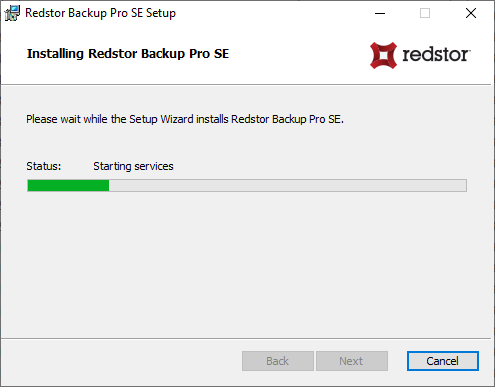 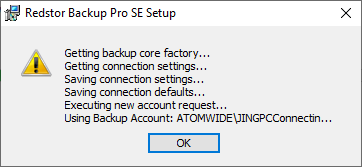 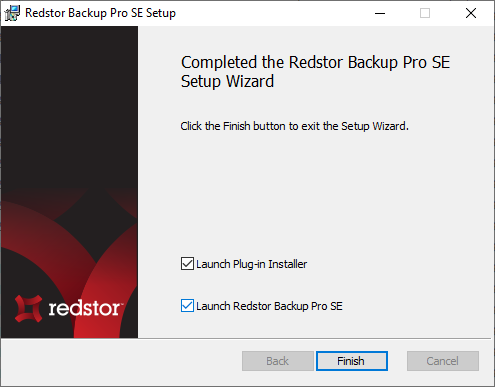
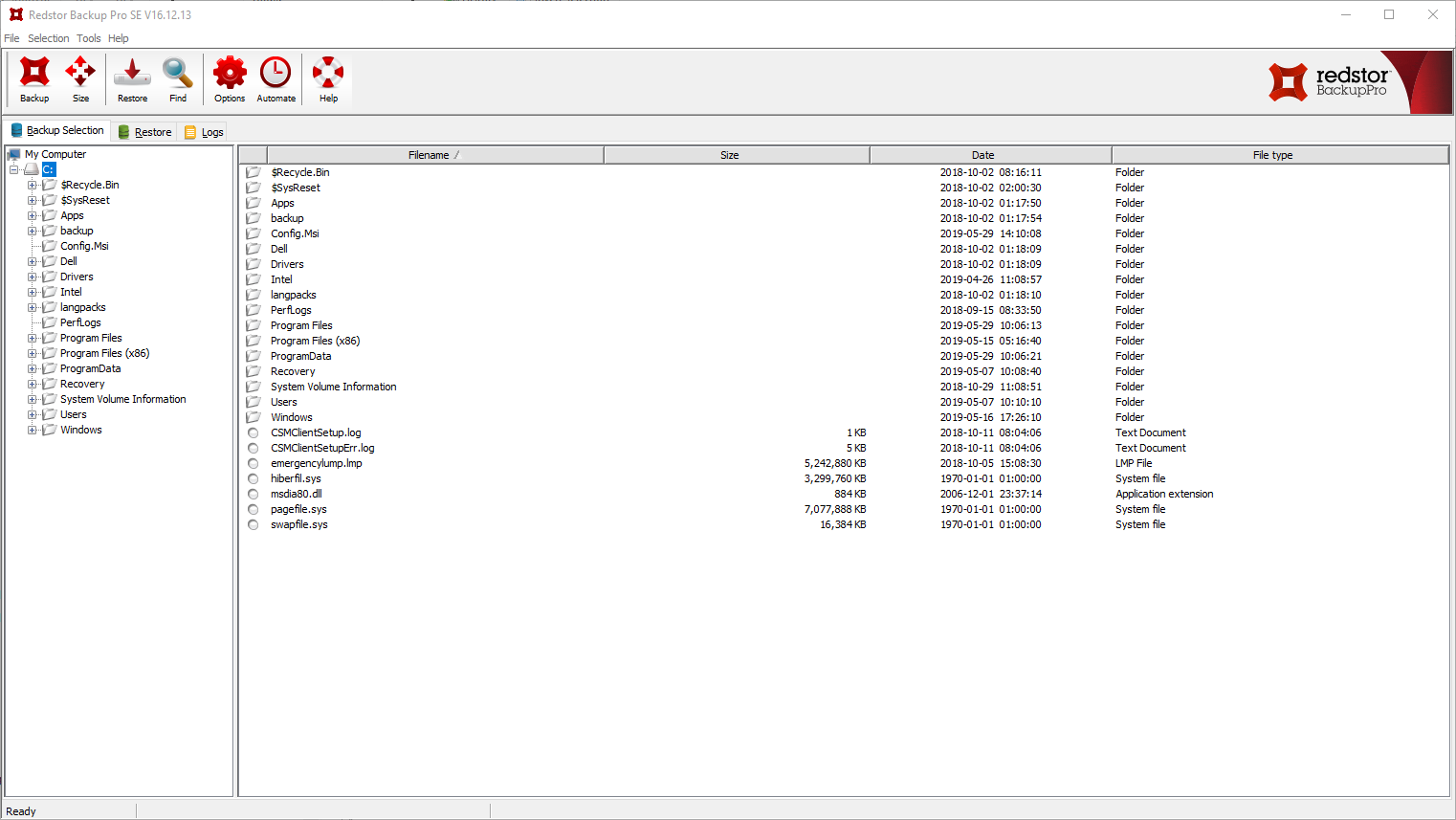
Click Finish to exit the installation wizard. The software will be launched if that box was ticked.
|
See next:
