The School details page found in My Account offers a quick overview of a school's basic settings.
This page can be viewed by Nominated Contacts.
Users can view details of schools they are associated with only.
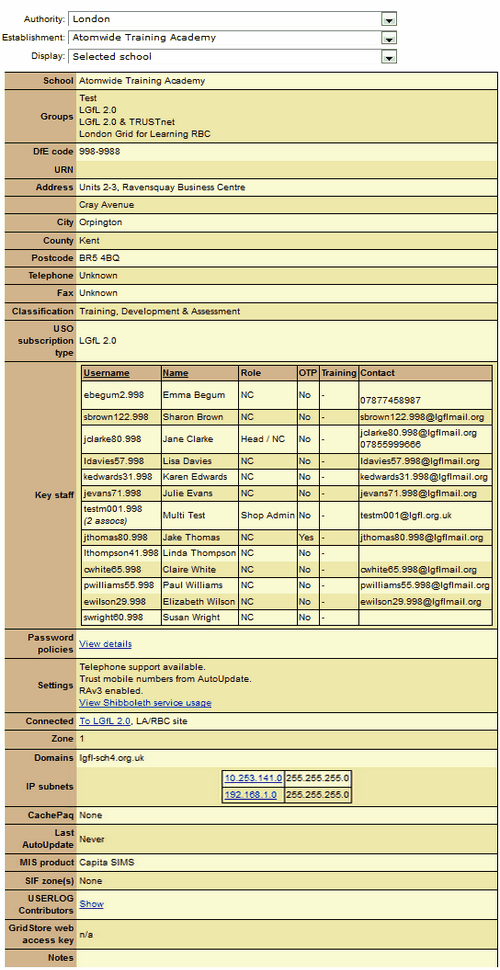 |
The first section shows school contact details, address and DCSF code. Key Staff with either Nominated Contact or Pay+ administrator permissions are listed with their USO username, permission levels and contact details. Password policies shows who has the ability to view different users passwords. Settings shows whether a school is entitled to telephone support and if different services have been enabled. Connected and Zone shows what type of network the school is connected to. All alias domains available to the school are listed in the Domains section. The IP subnets shows the school's IP range If a school uses AutoUpdate, the date of the latest data export (using either USO-AutoUpdate or Groupcall) for pupil and staff data will be given. If the date is given as "Never" this means that the school does not export any data directly from the MIS and all accounts must be created manually.
Please note that your view may differ somewhat from the image shown. |
