Every user can go to https://support.atomwide.com/ to access the support site.
Once you have entered your user name, password and OTP details correctly (if you have one set), you will be taken to the Home screen
LGfL Schools
Schools from London should go to https://support.lgfl.org.uk/ and will see the screen below. Click on the picture of the padlock (lower right hand corner) to enter your username and password on the following screen. You will also need to enter your OTP code if you have an OTP tag.
 The login screen will be followed by a prompt for an OTP tag if you have one. 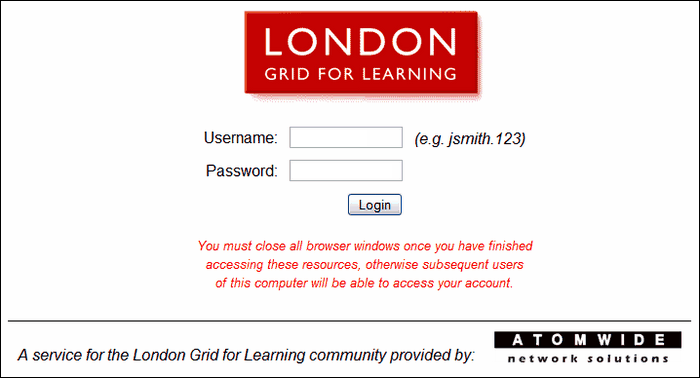 |

