If there is ever an occasion where the export was sent with incorrect information the export can be re-run for that particular day.
This will ensure that all data is correct and up to date.
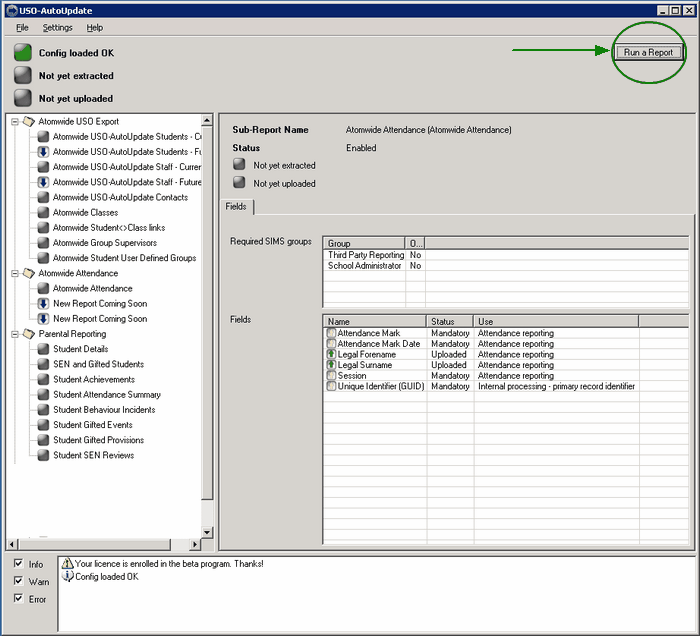
To re-run a report, first open the USO-AutoUpdate Software.
Once open, click the Run a Report button in the top right corner.
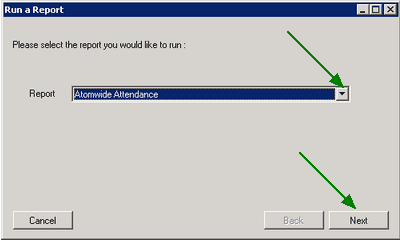
Select the report type: Atomwide Attendance. Then click Next.
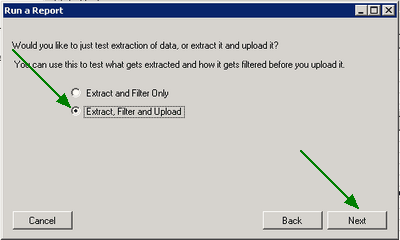
Now select the radio button for the second option: Extract, Filter and Upload.
Select the past date for which upload is needed.
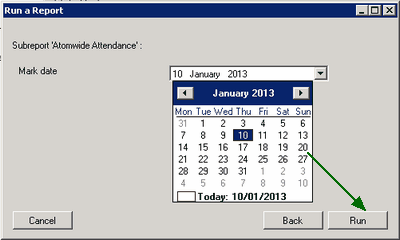
To send export the Attendance and send it to Atomwide, click Run.
An attendance report for the selected date will be sent to Atomwide where it will be processed and used to update information.
|

