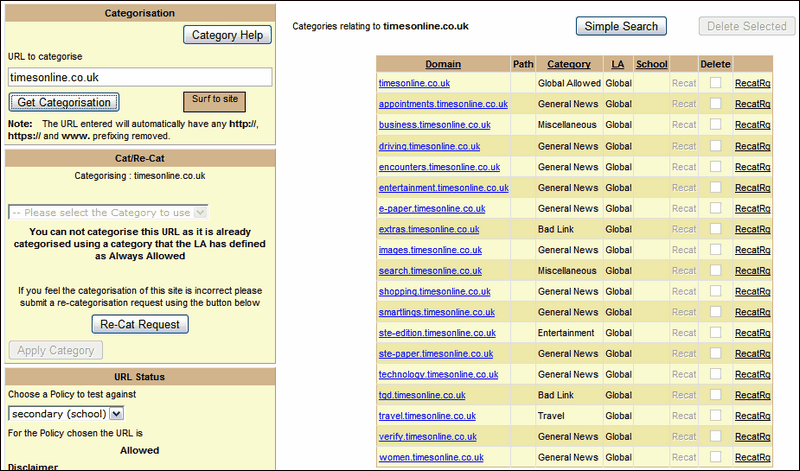
Enter a url and click on Get Categorisation. The result will be displayed on the right.

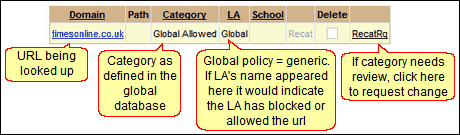
In the url category results, the Domain column will list the url (and will link to the site).
The Category column lets you know how a url is classified in the central Global database.
The LA column lets you know at a glance whether you will be able to define your own setting for a url. If it reads Global, you can allow or block it for a school, provided the site is not in a category that the LA has specified as always allowed or always blocked. If that column displays your LA by name, it indicates that the current category has been specified by the LA and cannot be changed by a school.
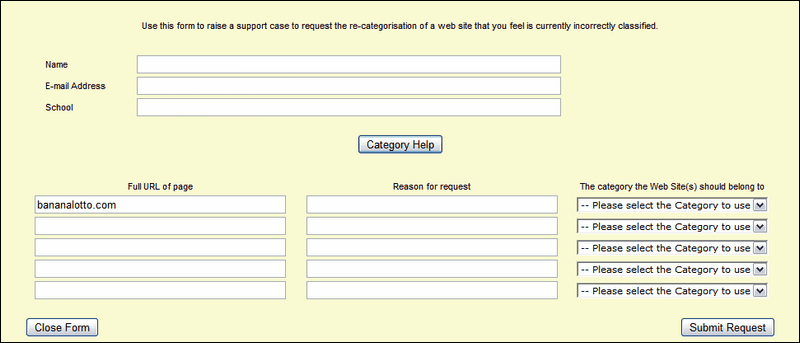
The last column offers a link to request that the url be reviewed and re-categorised in the Global database.
The url search can be expanded to include related urls that may have an additional prefix but the same base address. Click on the Expanded Search button to view these. You may find that some of the related urls fall into a different category.

See next:
